Who's Really In Charge of Your Phone's Notifications — You or the App?
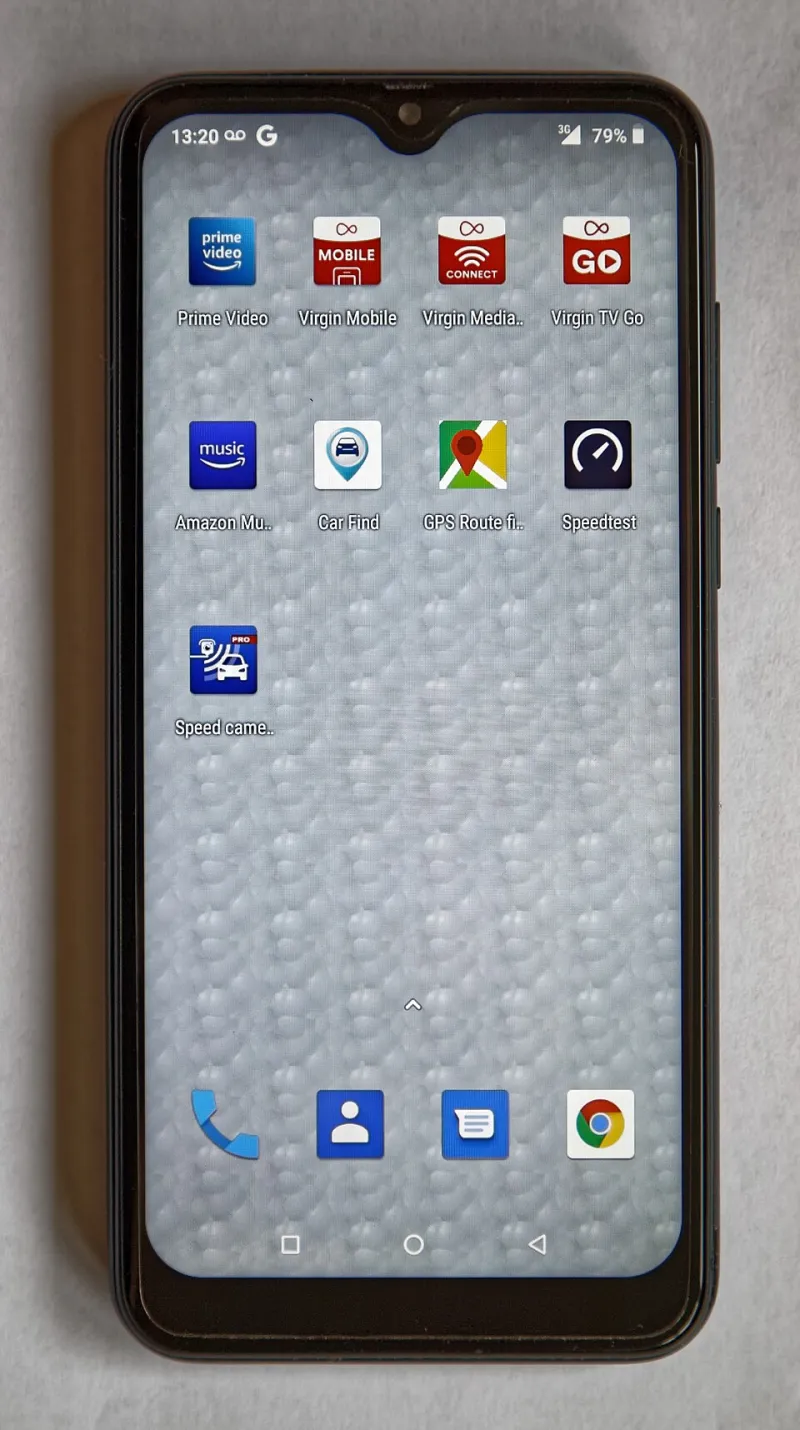
Photo: Acabashi, CC BY-SA 4.0, via Wikimedia Commons
Your phone buzzed while you were reading that first sentence. Maybe you checked it. Maybe you didn't. Either way, something in your brain registered it.
That's not a coincidence. It's an outcome both iOS and Android are, to varying degrees, designed to produce — and the fight over who actually controls your attention is more complicated than either Apple or Google wants to admit.
The Setup: Why This Matters More Than It Used To
Notifications used to be simple. A text came in, your phone beeped. An email arrived, a little badge appeared. The system was reactive — it told you something happened, and you decided what to do about it.
That model is basically dead. Modern apps don't just notify you when something relevant occurs. They notify you to re-engage you when you've been quiet too long, to remind you of things you didn't ask to be reminded about, and to create a sense of urgency around content that has no urgency at all. A social app sending you "People are talking — come see what you're missing" isn't informing you. It's summoning you.
The question we wanted to answer: does iOS or Android actually make it easier to push back against this?
Three Weeks of Testing, One Increasingly Annoyed Tester
We set up fresh installs on an iPhone 15 Pro and a Pixel 8 Pro, downloaded the same 30 apps across both devices — social media, news, shopping, food delivery, fitness, banking — and went through the full onboarding flow on each one, paying close attention to how each OS handled notification permission requests and what controls were available afterward.
A few things stood out immediately.
iOS asks for permission upfront, but the ask is easy to dismiss carelessly. When an app requests notification access on iPhone, you get a clean system prompt: Allow or Don't Allow. Sounds reasonable. But the prompt appears mid-onboarding, often right after you've already invested time setting up an account. The implied social contract at that moment is "you just gave us your email address and created a password, surely you'll tap Allow." A lot of people do, reflexively.
Android 13 and later also requires explicit permission, but the default settings after you grant it are more granular. On Pixel especially, you can drill into notification categories per app — not just "on" or "off," but which types of notifications from that app are allowed. A food delivery app might have separate toggles for order updates, promotional offers, and account alerts. That level of control is genuinely useful, and iOS doesn't match it natively without going several menus deep.
Where iOS Pulls Ahead: Focus Modes
Apple's Focus system — introduced in iOS 15 and refined since — is legitimately one of the better attention-management tools on any smartphone platform. The ability to build named modes (Work, Sleep, Personal) that filter which apps and contacts can reach you, and to schedule those modes automatically, gives users real structural control over their attention environment.
Android has Do Not Disturb and some scheduling capability, but it doesn't match the nuance of iOS Focus. The difference shows up in practice: on iPhone, you can set a "Driving" Focus that silences everything except your navigation app and a designated emergency contact. On stock Android, you're working with cruder tools.
That said, Focus modes are underused. According to behavioral researchers we spoke with, most people who have iPhones either don't know Focus exists or set it up once and abandon it. The feature is powerful, but the friction of customization keeps most users from ever realizing its potential.
The Developer Side of the Equation
Here's where both platforms share blame equally: neither Apple nor Google does enough to police predatory notification behavior from app developers.
The App Store and Google Play both have guidelines against misleading notifications, but enforcement is inconsistent at best. Apps routinely get away with sending "urgent" alerts for promotional content, using vague language to obscure what a notification permission actually grants, and re-requesting permissions after users decline — sometimes repeatedly.
One behavioral scientist we spoke with, who studies digital attention and asked not to be named due to ongoing research, put it plainly: "The platforms benefit from engagement, and notifications drive engagement. There's a structural conflict of interest in asking Apple or Google to aggressively police notification abuse when notification volume correlates with time-in-app metrics that both companies care about."
That's uncomfortable, but it tracks. Apple talks a lot about privacy as a core value. It talks considerably less about the notification practices of the apps it profits from selling.
What You Can Actually Do Right Now
Rather than waiting for either platform to fix this, here are the controls that actually move the needle:
On iPhone: Go to Settings → Focus and build at least one custom mode for your most distracted time of day. Set it to activate automatically. Then go to Settings → Notifications and sort by "Recent" to see which apps have been pinging you most. You'll probably find three or four that you haven't consciously opened in weeks.
On Android (Pixel/stock): Go to Settings → Apps → See all apps, tap any app, and hit Notifications. Disable the "Promotions" or "Marketing" category specifically — most apps separate these from functional alerts, and killing just that category cleans up a huge percentage of noise without breaking anything useful.
On both platforms: When you install a new app, decline notifications by default. You can always turn them on later when you understand what the app actually sends. The reverse — turning off notifications after you've already been trained to expect them — is psychologically harder than it sounds.
The Honest Verdict
Android gives you more granular tools. iOS gives you better high-level architecture. Neither platform is built with your peace of mind as the primary objective — they're built to host apps that need your attention to survive, and the notification system reflects that reality.
The phone that respects your attention is ultimately the one you configure to do so. Both iOS and Android will let you get there. Neither will take you there by default.